In this post, I’ll be creating a tech tutorial on how to make my first TinyBit hand gesture. First, I’ll introduce the topic, then explain MakeCode, Teachable Machine, and Lofi, as well as TinyBit and Microbit. I’ll also explain what you need to create a TinyBit hand gesture. MakeCode is a web-based block coding platform similar to Scratch, but the difference is that MakeCode is used to input commands/code into the Microbit, which is then connected to the TinyBit. Teachable Machine is used to capture a movement we record, and the result is then imported into Lofi Robot.
For this smart watering system project, we worked in groups. My group consisted of four people: me, Ahnaf, Zammir, and Falah. During this project, we encountered an error with the relay while working on it. After that, we replaced the relay and it started working again. So, the smart watering system works by watering the plants when the soil is dry; it can detect this because there is a sensor that measures the moisture level of the soil.
So, in this tutorial video, I’m making a tutorial about MakeCode. Here, I explain what MakeCode is. MakeCode is a code block that we can use to input code into Microbit, and here we can create things like a smart trash bin, Tiny Bit Lane Follower, Tiny Bit Hand Gesture, Tiny Bit Bluetooth Controller, and many more things that we can make from the command blocks available in MakeCode. Oh, and I also explain some of the code that I understand or have learned, and for the rest that I don’t understand, I just show it.
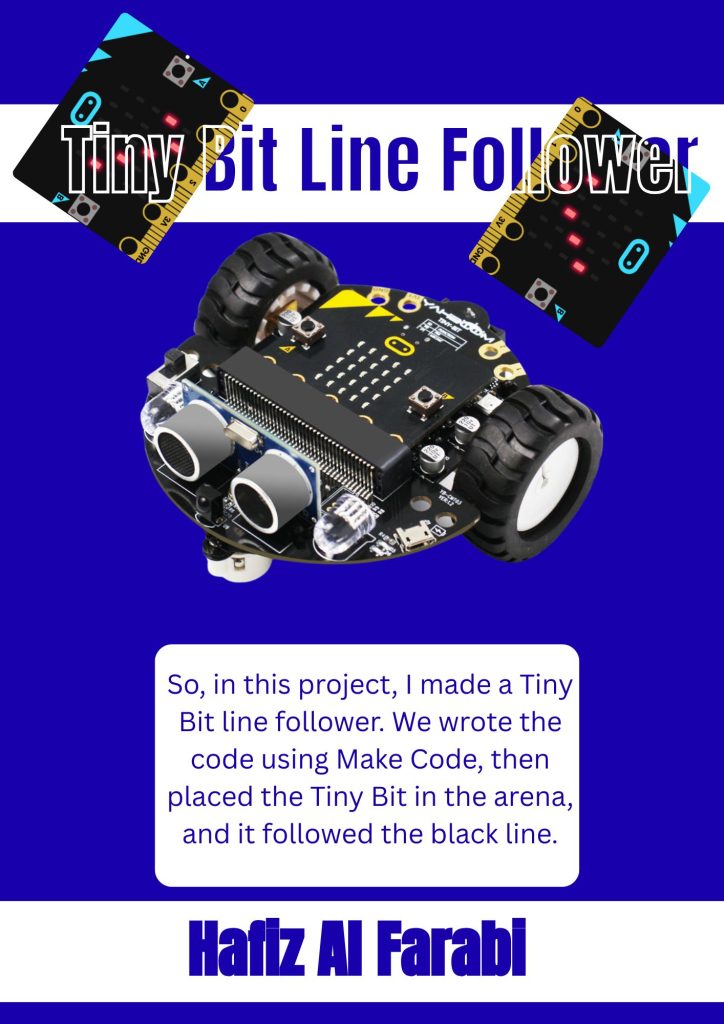
So, in this project, I was assigned to make my Tiny Bit line follower follow a prepared black line. There are three levels. In the first level, Tiny Bit must follow the line, but the line only twists and turns. In the second level, Junior, we must pass challenges such as broken lines that twist and turn. In the third level, Senior, it is more or less the same as Junior, but the path is longer. Oh, and for this project, I’m working in a group with Khalifa Hussein Haqqafi.
In this project, I created a smart trash can. This smart trash bin is useful if you don’t want to touch the lid. You just need to bring your hand close to the smart trash bin, and the lid will open. Here are the important components needed to make the smart trash bin: an Arduino, a Micro:bit, a servo motor, and jumper cables. For this project, my group consists of Abyan and Falah. However, when Abyan and I were recording, Falah was still teaching with my other friends.